Spec-Driven Development, Part 2: Closing Gaps and Handling Bugs
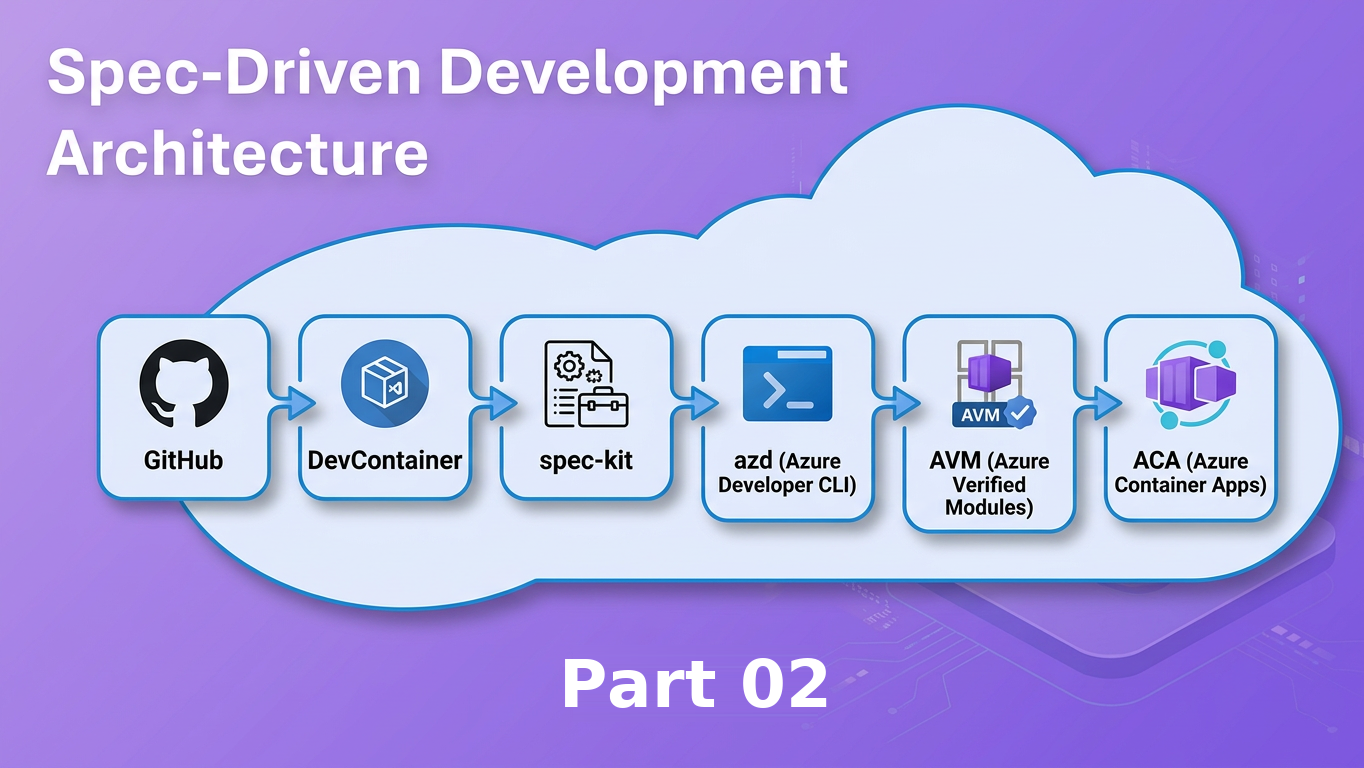
In Part 1 we set up a repository with spec-kit, a DevContainer, and azd, then built a /health endpoint from a spec, a plan, and a task list. This part starts where that one ended. Implementation is done, but two questions remain: what is still missing compared with the spec, and what do you do when someone reports a bug? We answer both in the same sample project.
Who this is for
Developers who have followed Part 1, or who have a spec-kit project with a spec, plan, and task list that has been implemented, and who are comfortable with Git and VS Code.
Prerequisites
- The Part 1 sample project. Recreate it from Steps 1–7 of Part 1, which ends with
specs/001-health-endpoint/. - spec-kit 1.4.1 and the Bug Triage Workflow extension v1.0.2, both installed below.
- Git, to review the changes that convergence makes to
tasks.md.
Version (2026-11-16)
Everything here was run with spec-kit 1.4.1, the latest GitHub release at the time of writing, and the bug extension 1.0.2. Part 1 was written against spec-kit 0.6.2, and some commands have changed since then:
- Initialisation uses
specify init --here --integration copilot. Part 1 used--ai copilot. - Commands appear as skills named
speckit-*, for example/speckit-tasks. Part 1 used/speckit.tasks.
Closing gaps after implementation
Implementation rarely matches the spec on the first pass. Convergence compares the three artifacts with the code and reports what is still missing. It reads spec.md, plan.md, and tasks.md as the source of intent, assesses the code against them, and appends each remaining item to tasks.md as a new, traceable task.
When to run it
Run /speckit-converge after /speckit-implement has run on the current tasks.md, and after /speckit-tasks has produced a complete task list. Both are stated as preconditions in the skill.
These are conventions, not checks. The prerequisite script only confirms that spec.md, plan.md, and tasks.md exist. Convergence does not refuse to run before implementation. It assesses the code it finds, so an unimplemented feature will show most of its requirements as missing. Check the preconditions yourself before you run it.
What it checks and produces
Convergence checks each functional requirement, success criterion, and acceptance scenario, plus the plan's technical decisions and the constitution where it is filled in. It also checks existing tasks, and it does not trust their checkboxes. A task marked [X] whose code is missing is a finding.
Each gap is classified by type and severity:
- missing: the required work is absent.
- partial: the work exists but does not fully meet the requirement.
- contradicts: the code conflicts with the spec, the plan, or a constitution principle.
- unrequested: the code does something the artifacts do not call for.
The only output is one new section at the bottom of tasks.md, ## Phase N: Convergence, with a task per finding. If nothing remains, the file is not touched.
A gap run
The plan says: "Validation: a pytest test asserts HTTP 200 and the exact body." The task list marks the test as done (T003 [X]). To simulate a task that was checked off but never landed in the code, we delete tests/test_health.py and run convergence.
The findings table for that run:
| ID | Gap type | Severity | Source | Evidence | Remaining work |
|---|---|---|---|---|---|
| F1 | missing | MEDIUM | plan: Validation | tests/test_health.py not present |
Create the test |
The spec's acceptance criteria are met by src/app/main.py, so the only gap is the missing test. Convergence appends one task:
## Phase 3: Convergence

- [ ] T004 Create `tests/test_health.py` asserting HTTP 200 and exact body `{"status": "ok"}` per plan: Validation (missing)
Pass the new task to /speckit-implement. Once T004 is complete, run /speckit-converge again.
When nothing remains
After the test is restored and passes, the next convergence run finds nothing to add. The skill's contract for this case is that tasks.md is left byte-for-byte unchanged, so no empty phase header appears. In the sample project we compared the file's SHA-256 before and after the clean run, and it did not change.
Preserving your artifacts
Convergence only appends. Existing tasks keep their IDs and checkboxes, and new IDs continue the sequence. Review the change with Git:
git diff -- specs/001-health-endpoint/tasks.md
@@ -8,3 +8,7 @@
 - [X] T003 Create `tests/test_health.py`: GET `/health` returns HTTP 200 and body `{"status": "ok"}`
+
+## Phase 3: Convergence
+
+- [X] T004 Create `tests/test_health.py` asserting HTTP 200 and exact body `{"status": "ok"}` per plan: Validation (missing)
The diff above is from after T004 was implemented, which is why it shows [X].
Repeating the cycle
Run convergence again after each implementation pass. Each run adds a new numbered phase below the previous ones and never edits an earlier phase. A feature is done when a run comes back clean.
Installing the bug extension
The bug workflow ships as a spec-kit extension. Install it from the project root:
specify extension add bug
Confirm that it is installed and enabled:
specify extension list
Installed Extensions:

  ✓ Bug Triage Workflow (v1.0.2)
     bug
     Assess, fix, and validate bug reports against the codebase with per-bug
reports stored under .specify/bugs/<slug>/
     Commands: 3 | Hooks: 0 | Priority: 10 | Status: Enabled
The extension declares speckit_version >=0.9.0, so it works with spec-kit 1.4.1. If specify extension list does not show it, or shows it as disabled, stop and fix that before you run the bug commands. Disabling the extension removes its commands:
specify extension disable bug
specify extension enable bug
While disabled, the list shows ✗ for the extension and the three commands are unavailable.
Bug workflow: assess, fix, test
The extension stores each bug in .specify/bugs/<slug>/. Each stage writes one Markdown file, and the next stage reads it:
| Stage | Command | Reads | Writes | Changes source? |
|---|---|---|---|---|
| Assess | /speckit-bug-assess |
the bug report | assessment.md |
No |
| Fix | /speckit-bug-fix |
assessment.md |
fix.md |
Yes |
| Test | /speckit-bug-test |
assessment.md, fix.md |
test.md |
No |
The example bug
A report says GET /health returns {"status": "OK"}. The spec requires the exact body {"status": "ok"}. We reproduce the report by changing the return value in src/app/main.py, then running the existing test:
$ python3 -m pytest -q
>       assert response.json() == {"status": "ok"}
E       AssertionError: assert {'status': 'OK'} == {'status': 'ok'}
FAILED tests/test_health.py::test_health_returns_ok - AssertionError: assert ...
1 failed
Pass the report to assess with a slug, health-status-case. The assessment records the verdict, severity, and the suspected code path:
# Bug Assessment: Health endpoint returns uppercase status value

- **Slug**: health-status-case
- **Verdict**: valid
- **Severity**: medium

## Suspected Code Paths

- `src/app/main.py:8` — the `health` handler returns `{"status": "OK"}`
Assess does not change the source. It writes only assessment.md.
Fix applies the remediation the assessment proposes and records what changed. Here, line 8 returns "ok" again. The fix report is fix.md, with the status, the changed file, and the result of the local check. Any place where the fix departs from the assessment goes under Deviations from Assessment, so the change is visible.
Test re-runs the reproduction and writes test.md:
$ python3 -m pytest -q
1 passed, 1 warning in 0.12s
The verification report ends with Result. Its values are verified, partial, or failed. The per-check status not-run also exists, but it is not a result. Only verified means the bug is resolved.
When the bug does not reproduce
A second report says GET /health returns HTTP 500 under load. Assess cannot confirm this from the code, because the handler is a plain function. It records the verdict as likely valid, needs reproduction, and asks for the load level and the server log.
We try a reproduction. Sequential requests through the test client all return HTTP 200, but that check does not generate concurrency, so it cannot rule out the symptom. Test records the result as partial:
- **Result**: partial

| Check | Result | Note |
|-------|--------|------|
| Reproduction (sequential) | pass | All HTTP 200 |
| Reproduction (concurrent) | not-run | No load tool configured |
No fix is applied. The bug stays open until a concurrent reproduction exists. Do not mark a bug resolved because tests pass, if the reported reproduction was not exercised. The test command downgrades that case to partial for the same reason.
Takeaways and next steps
- Convergence compares the code with the spec, plan, and tasks. It appends remaining work to
tasks.mdand leaves existing tasks alone. Run it after implementation, and repeat until a run comes back clean. - Convergence does not enforce its own preconditions. Confirm that implementation has run before you rely on its output.
- Install the bug extension with
specify extension add bug, then confirm it withspecify extension list. - A bug is resolved only when
test.mdreportsverified. Apartialorfailedresult means the work continues, and afailedresult means you re-run assess with the new evidence. - Next, add a convergence run to your review step before a feature branch is merged.